Create a Queue
This tutorial shows you how to provision a worker queue.
-
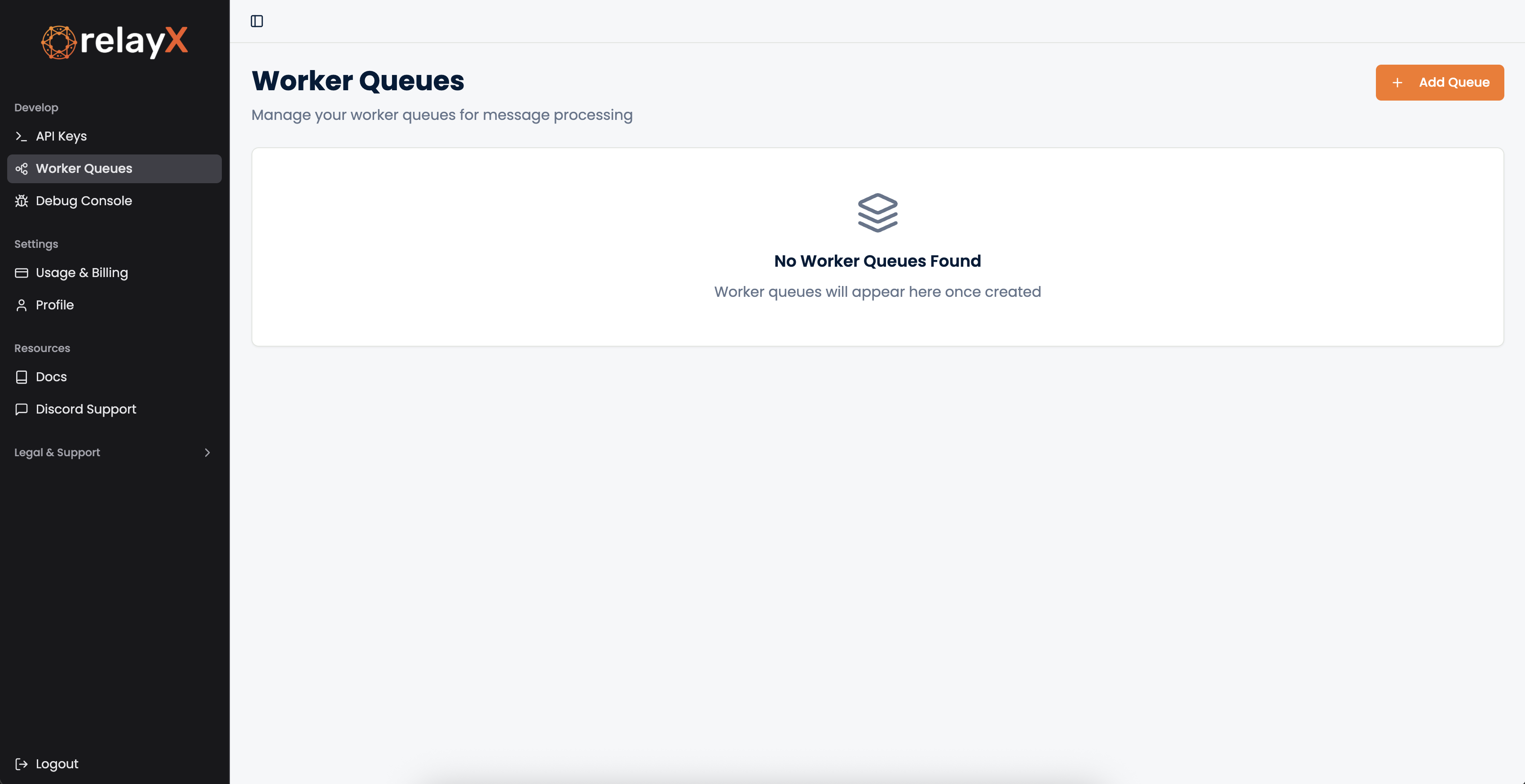
From the menu on the left, select the "Worker Queues" option
-
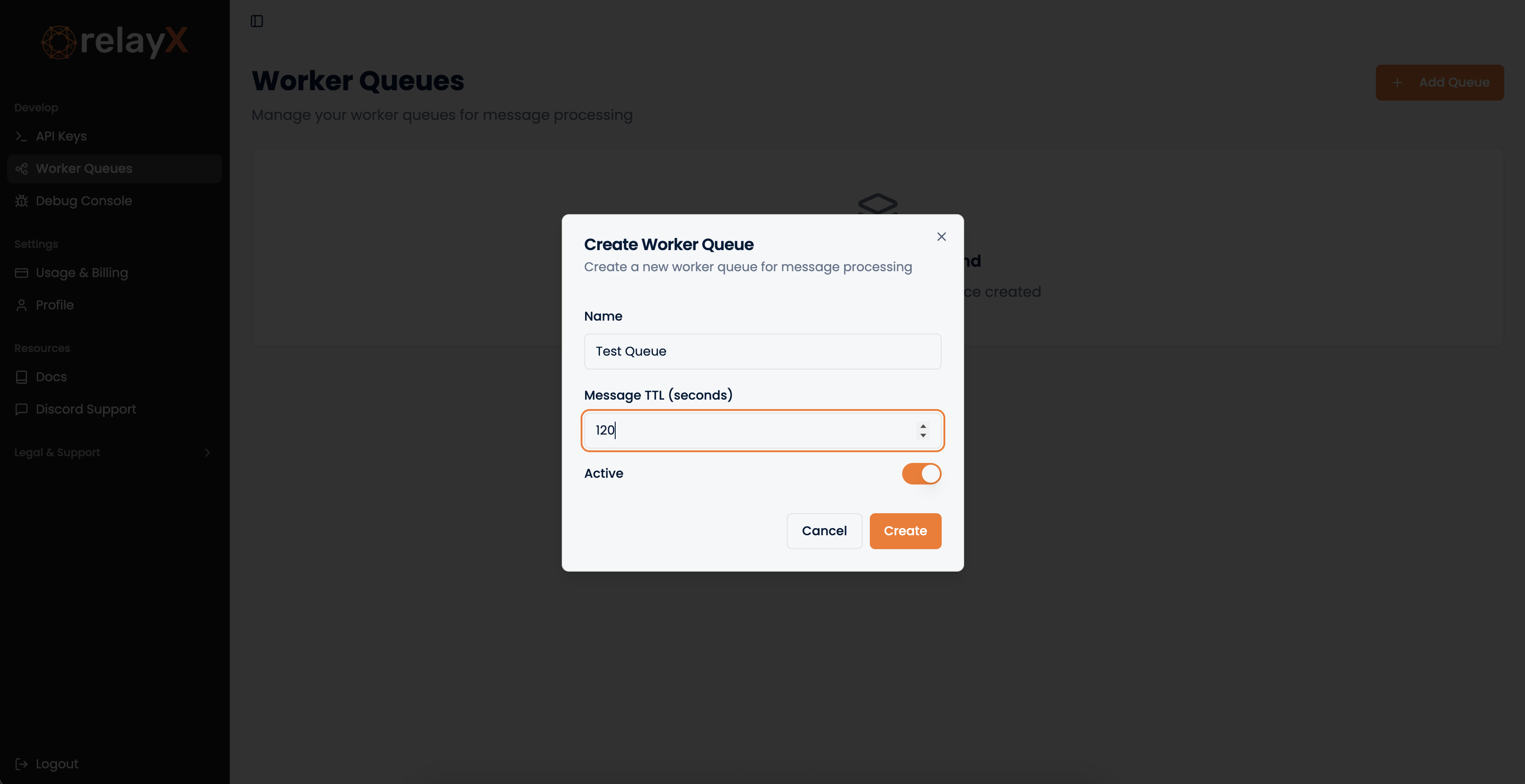
Click on "+ Add Queue", to create a new queue. Give it a name and put in the message TTL (Time to Live) in seconds. Messages with an age greater than this TTL value will be automatically deleted. Here, the message will be in the queue only for 2 mins.
-
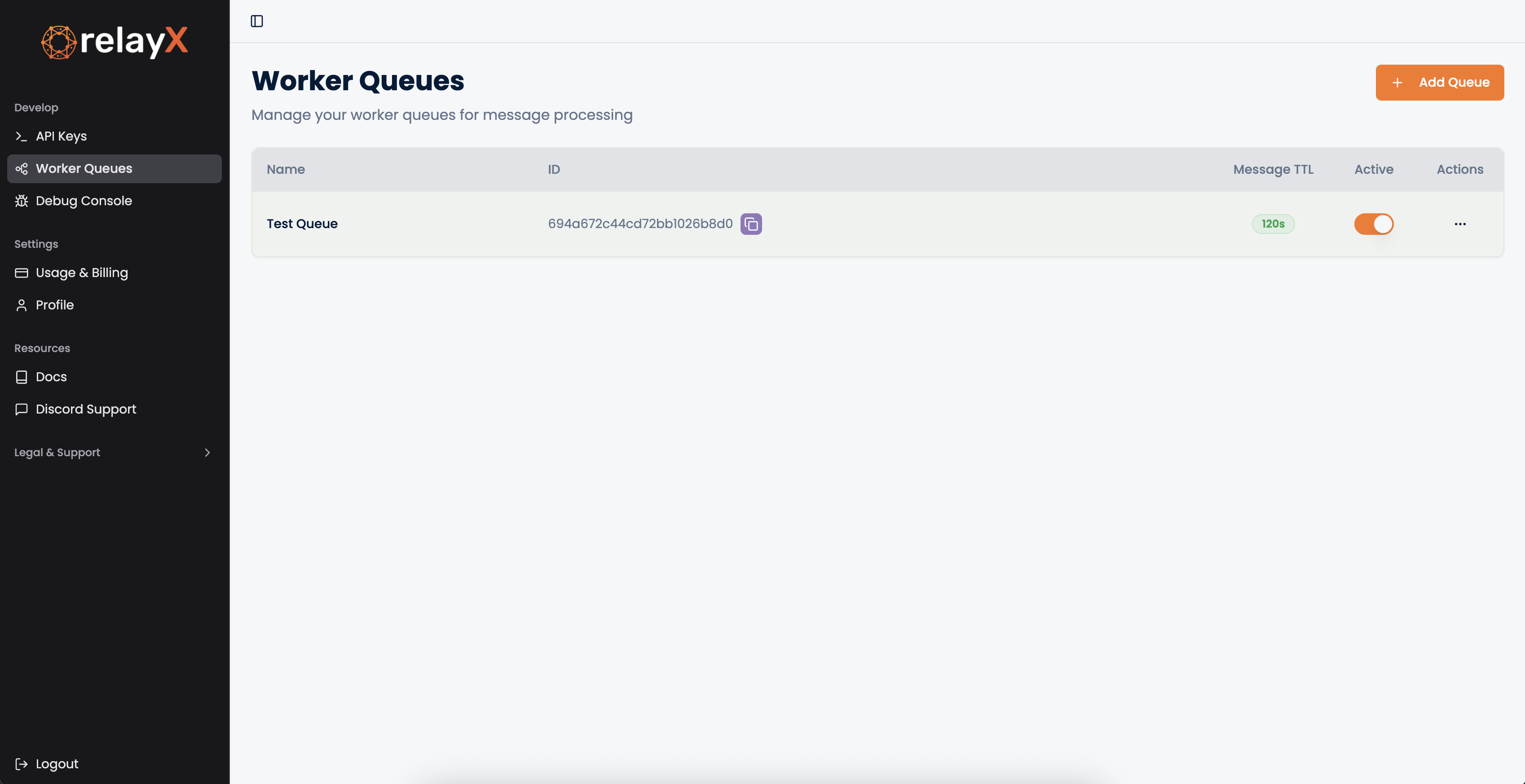
That's it! Your queue is ready to use. The Queue ID (2nd column) shown here, is the same queue ID you will use in code to work with this particaular queue.