Generate API Key
These steps help you generate API Keys to allow your SDKs to connect to the Relay Network
-
From the menu on the left, select the "API Keys" option
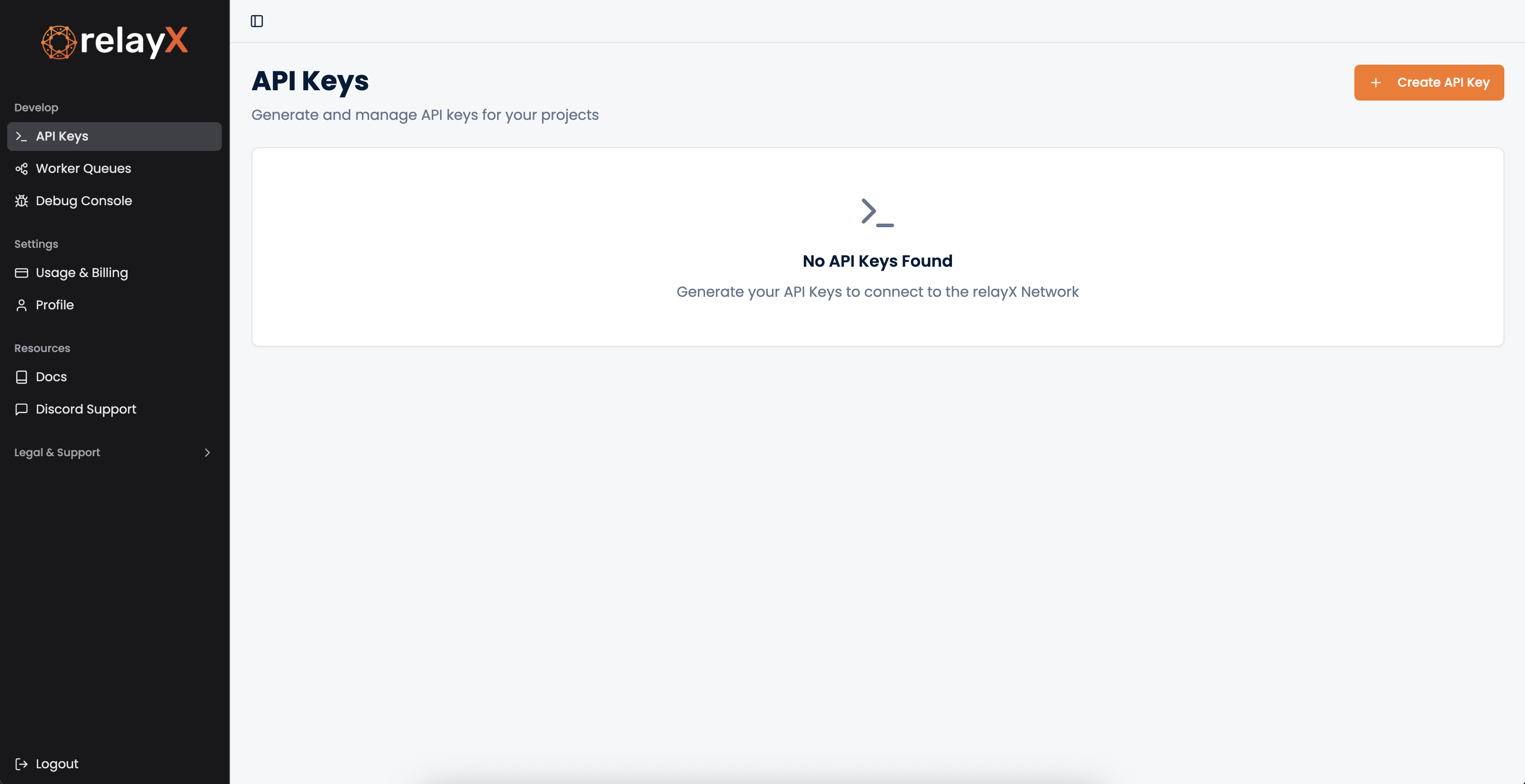
-
Click on the "+ Create API Key" on the top right. Give it a name.
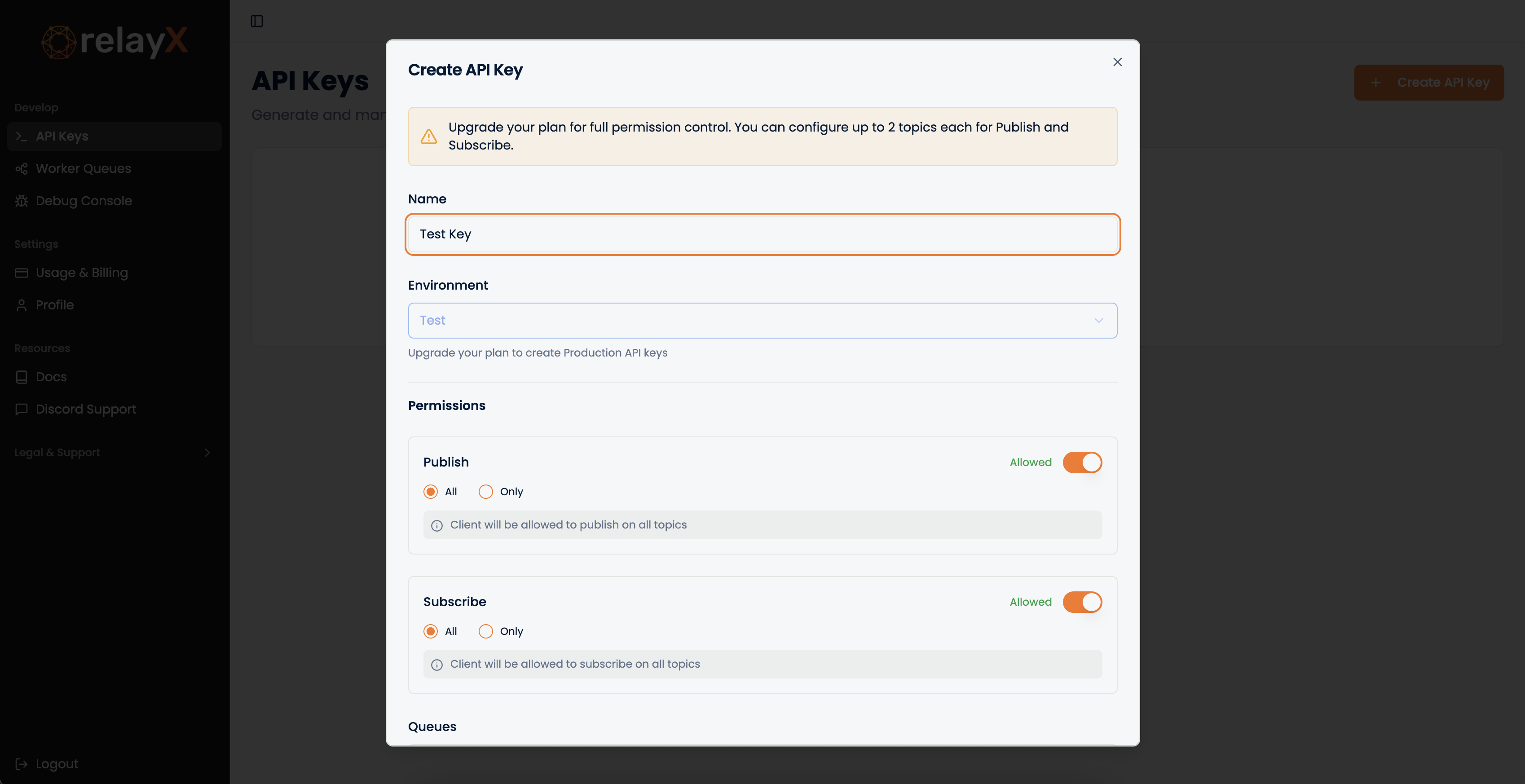
-
Scroll down and hit "Save". The keys will now be generated. Make sure to download the keys! RelayX does not save keys in its systems.
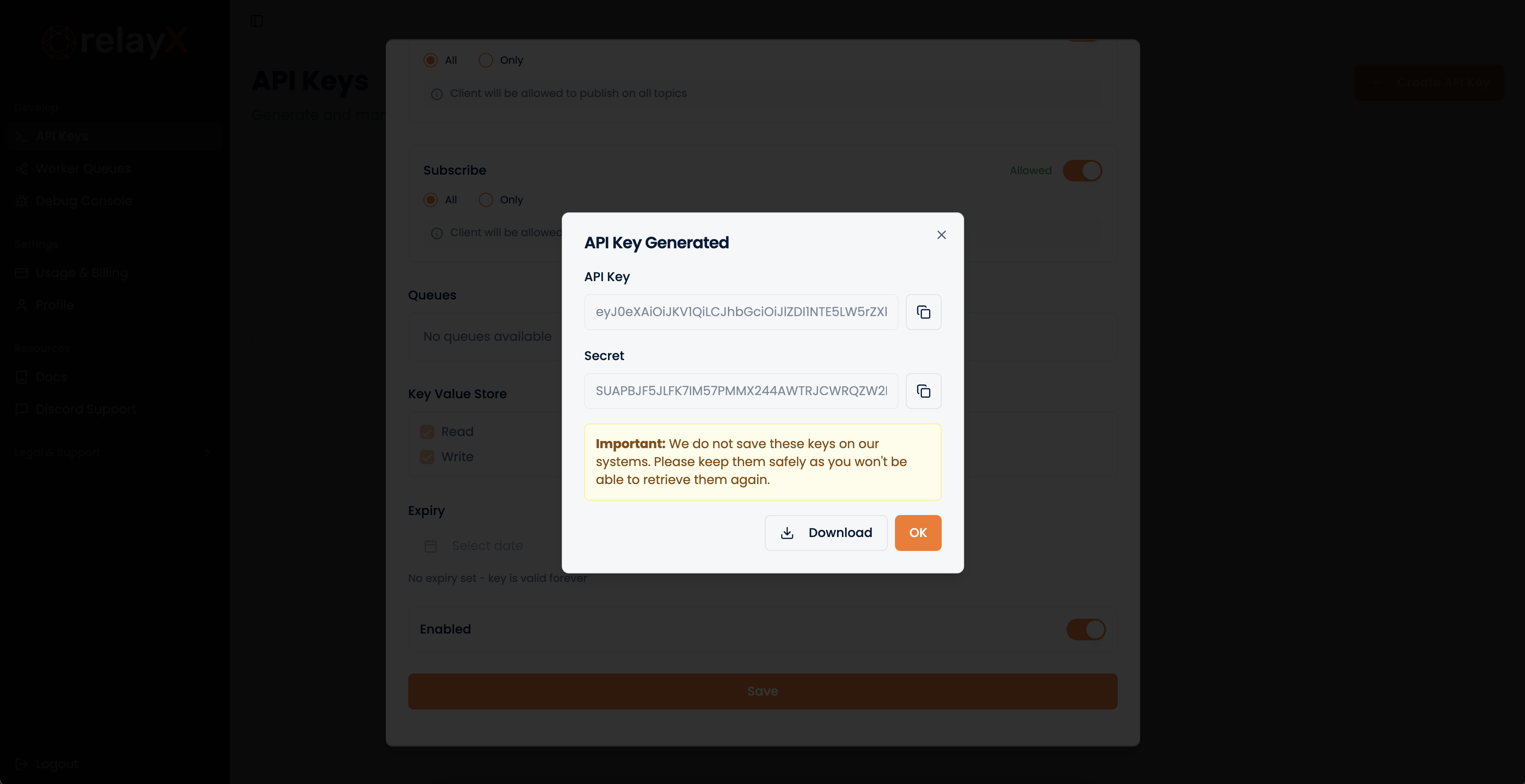
More about API Key Permissions here.
With this, your setup is complete! Let's move on to the quickstart section, there are some interactive demos for you to play with 🚀
Also talk about permissions here in detail!