What You're Building
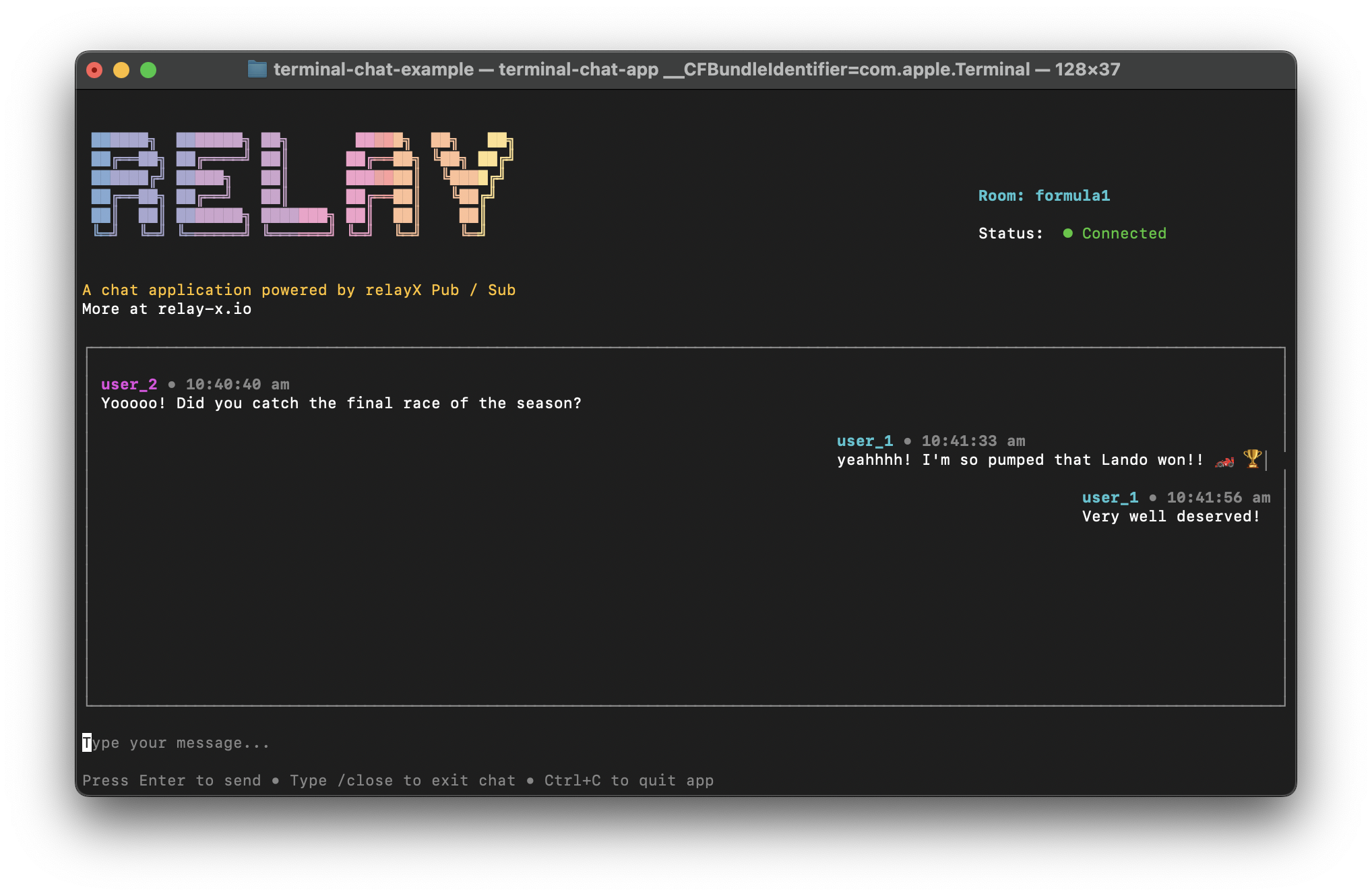
In this tutorial, you're going to build a CLI based chat application using Ink & RelayX' NodeJS SDK.
System Diagram
Before we dive into the setup & code, let’s build a mental model of how the system works. We’ll start with a high-level view of the architecture and then progressively zoom in, using each diagram to introduce more detail and explain the underlying concepts.
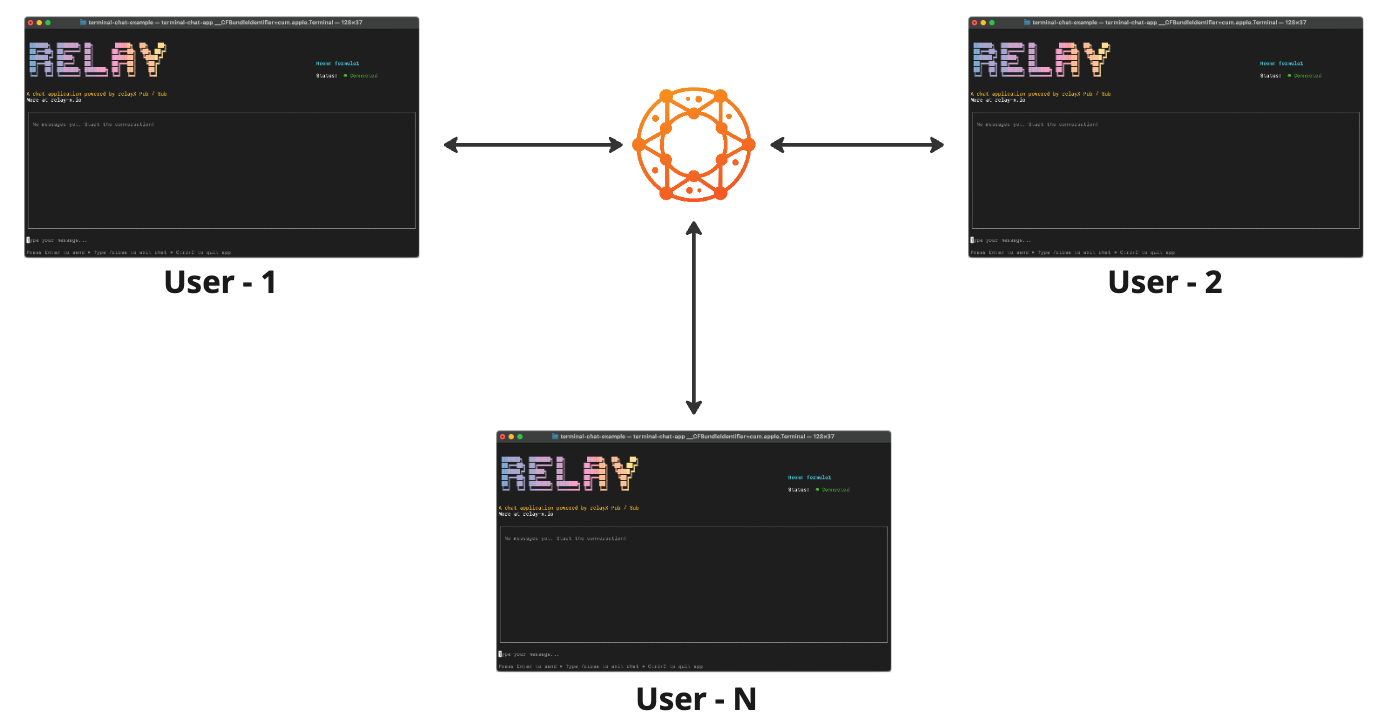
System Overview with RelayX
The app connects to the Relay network, which acts as its messaging layer and handles all real-time communication.
Real-Time System Plumbing
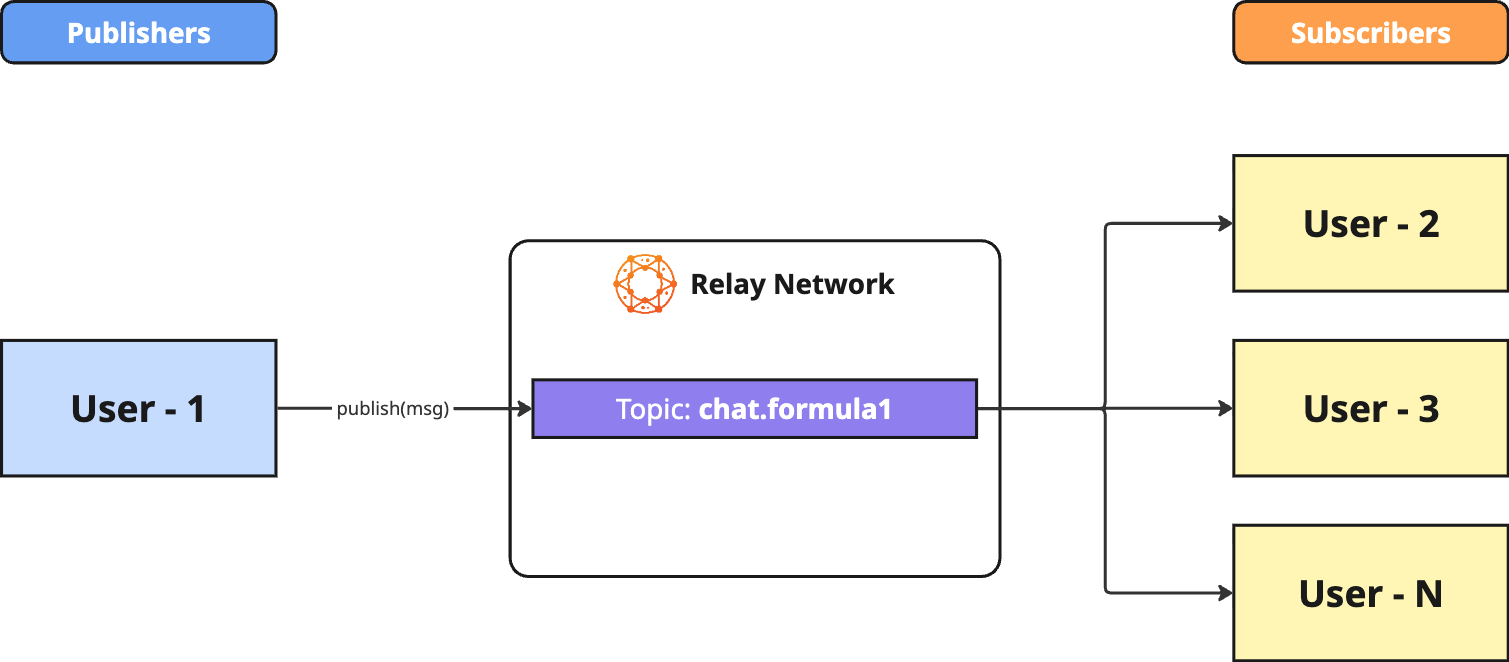
This is the system’s real-time data flow diagram, showing how messages move through the system.
Messages are published to a topic named chat.<room_name>. Here, chat.formula1 defines a specific chat room, ensuring users in different rooms don’t receive each other’s messages.
The diagram is shown from the perspective of user-1 but holds true for any user that is joins a room.
Application State Flow
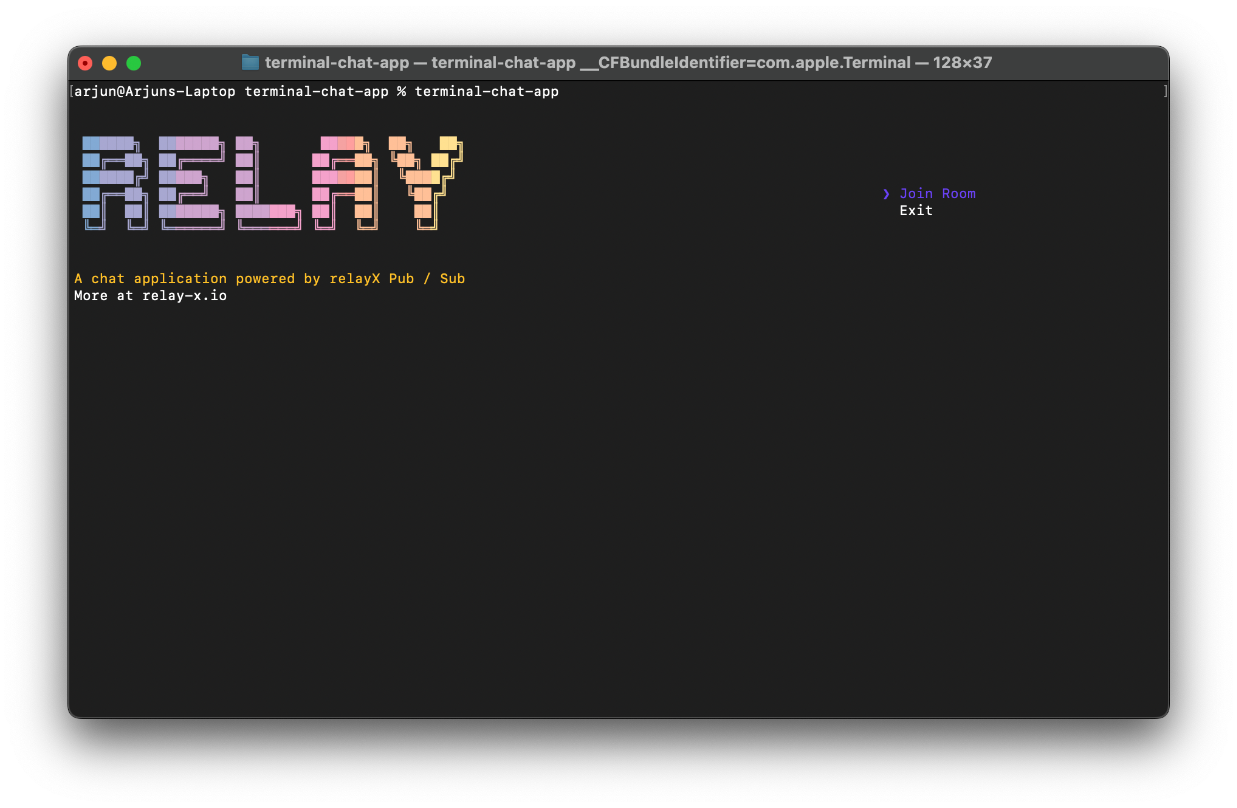
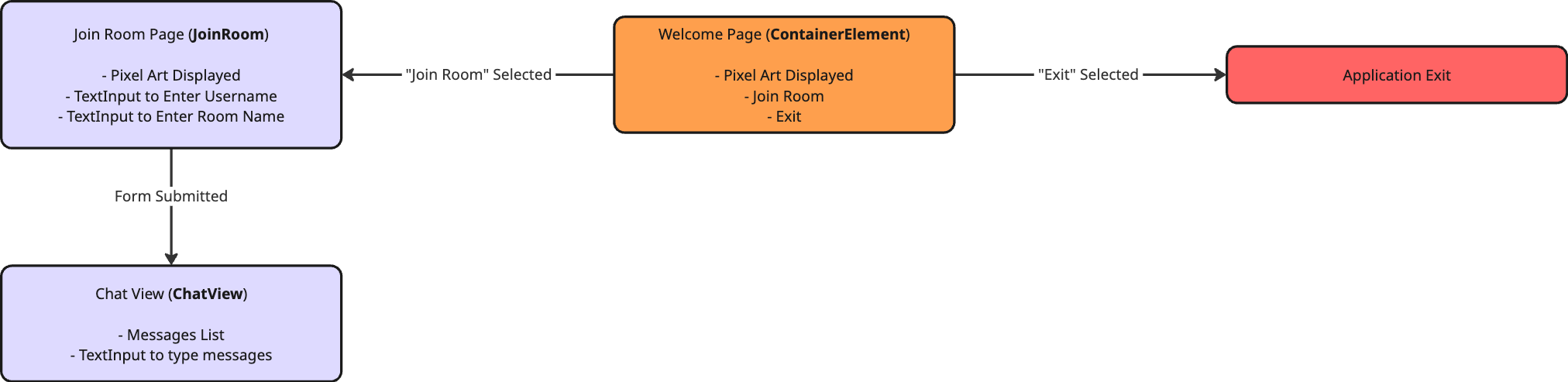
The application opens up with the Welcome Page. Different pages are shown based on what you select from the options.
This is the Welcome Page
Next to each page name, the corresponding function name is shown in brackets, indicating which part of the code renders that view.
Now, let's move onto Setup, where where we will,
- Obtain API Keys
- Clone the Project
- Install Dependencies