What You're Building
In this tutorial, you're going to build a reactJS based livepoll application powered by RelayX' WebJS SDK.
With this application, you can see vote on polls and see results change in real time.
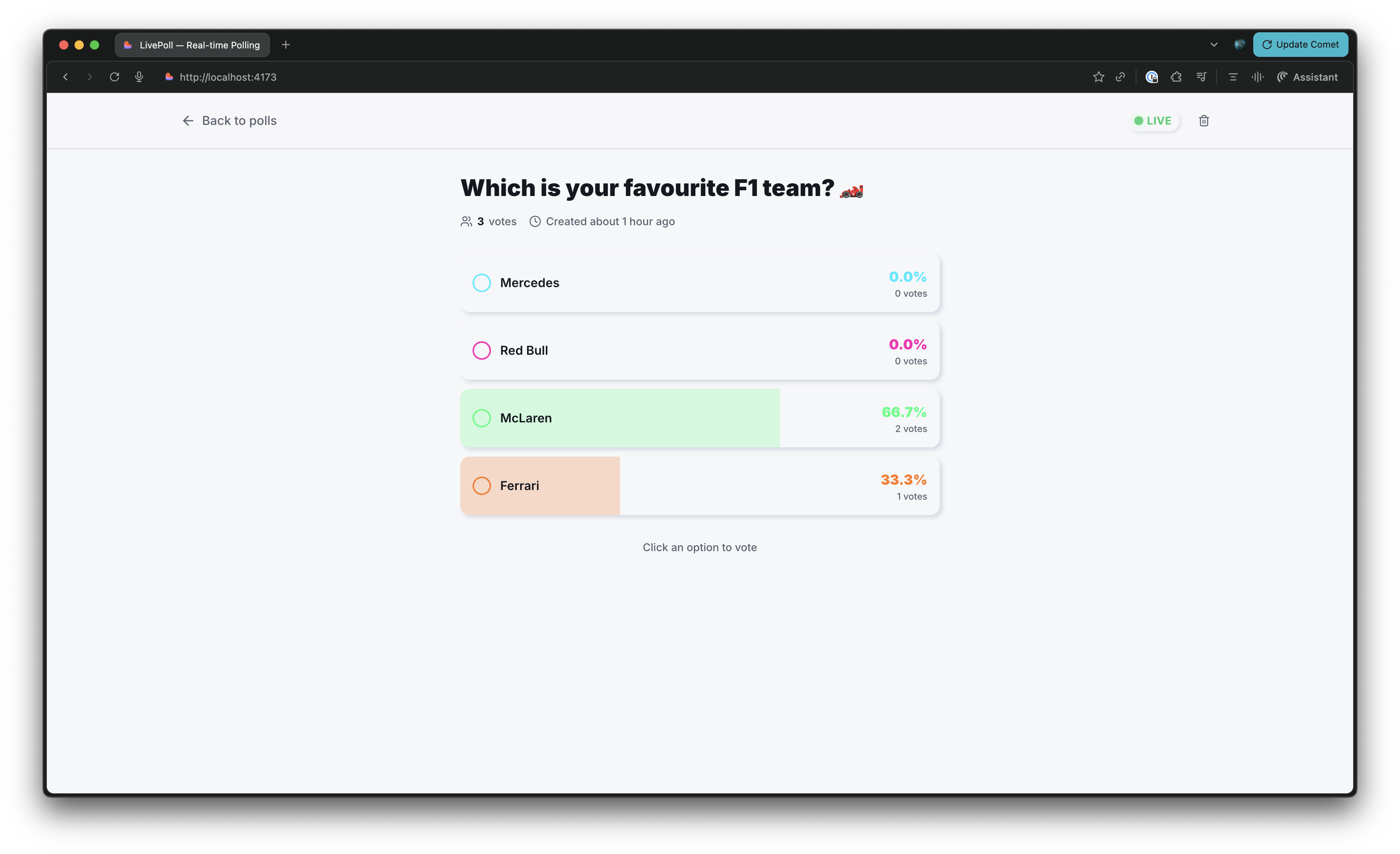
See how to setup credentials to use the app
System Diagram
Before we dive into the setup & code, let’s build a mental model of how the system works. We’ll start with a high-level view of the architecture and then progressively zoom in, using each diagram to introduce more detail and explain the underlying concepts.
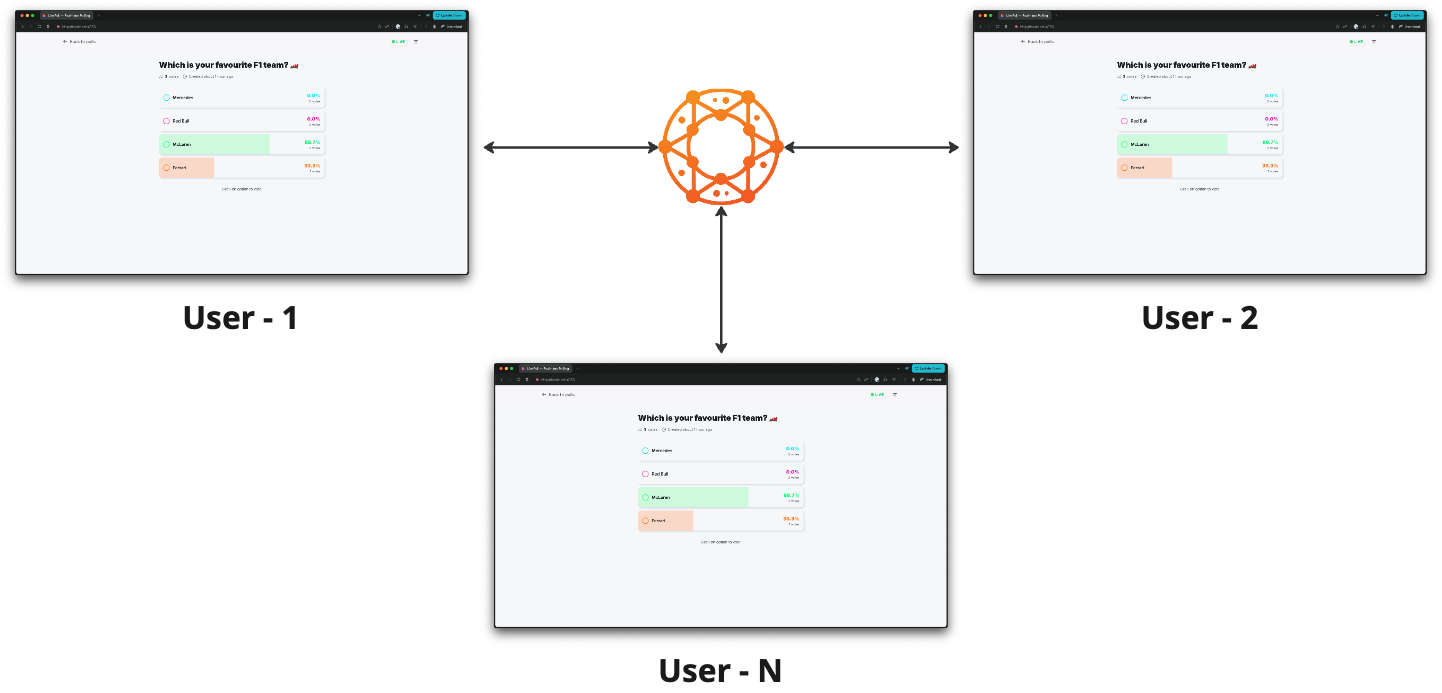
System Overview with RelayX
The app connects to the Relay network, which acts as its messaging layer and handles all real-time communication.
Real-Time System Plumbing
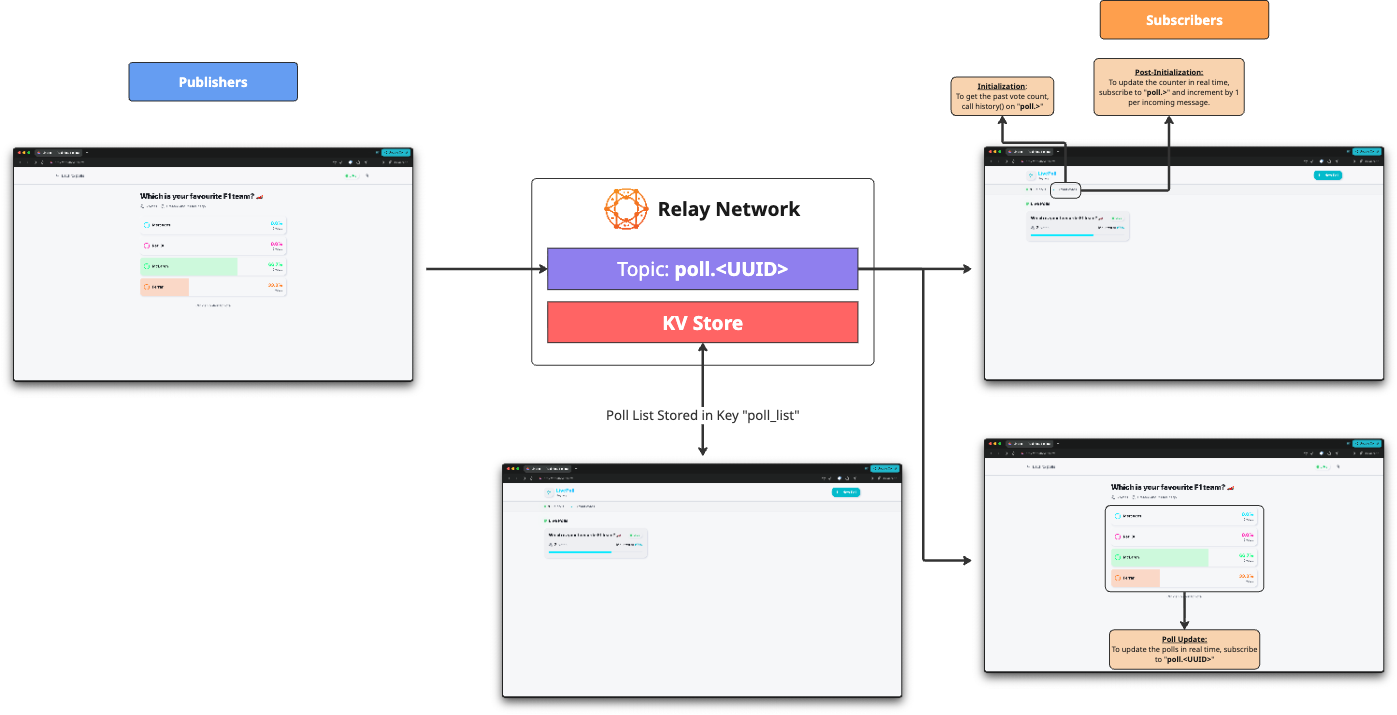
This is the system’s real-time data flow diagram, showing how messages move through the system.
- The polls along with their options are stored in the KV Store with the key
poll_list - When a user votes, the vote message is published to a topic
poll.<UUID>(UUIDis a unique poll identifier). - Initialization:
- To initialize the app with the current total count and poll data, we call history()
- This data is then rendered on the screen
- Real Time Changes - Post Initialization:
- Total vote counter is updated by susbcribing on
poll.>. The counter is incremented by 1 for every message received. - The poll state changes in real time by subscribing on
poll.<UUID>.
- Total vote counter is updated by susbcribing on
- Voting:
- Publish voting message to
poll.>
- Publish voting message to
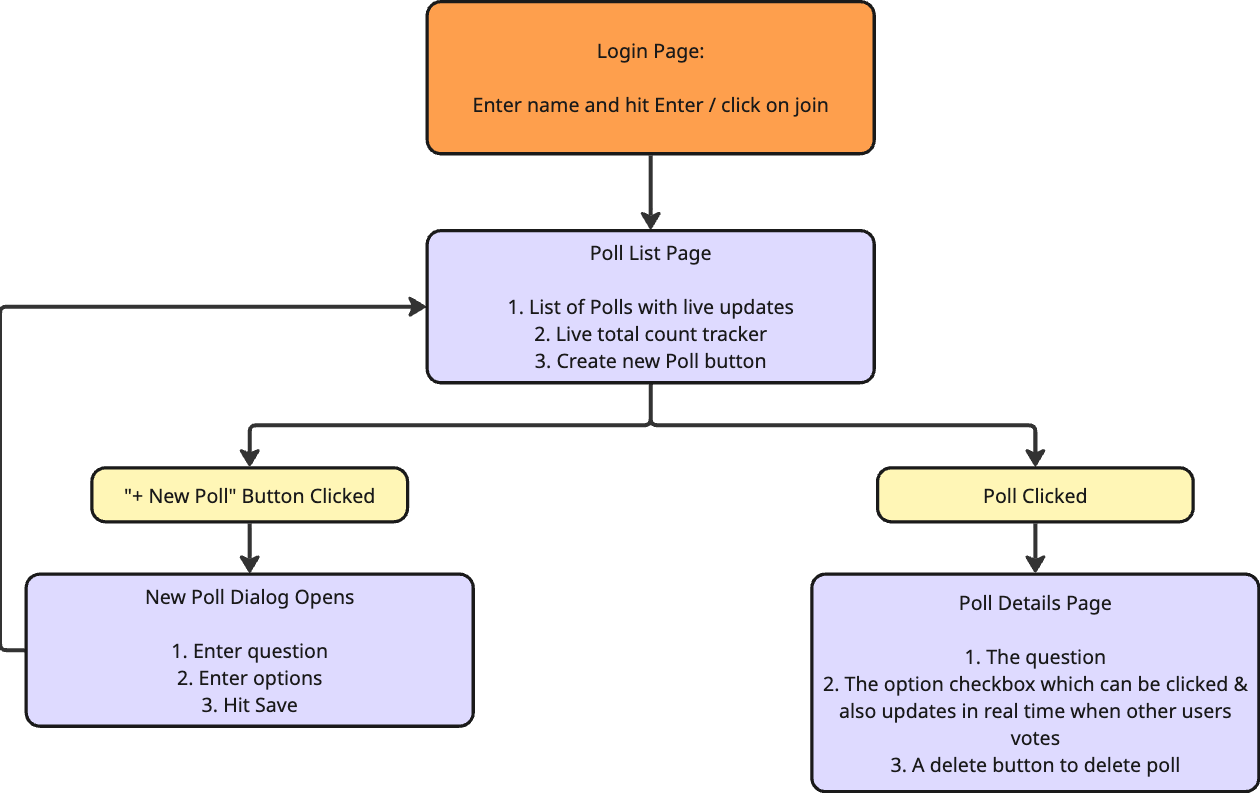
Application State Flow
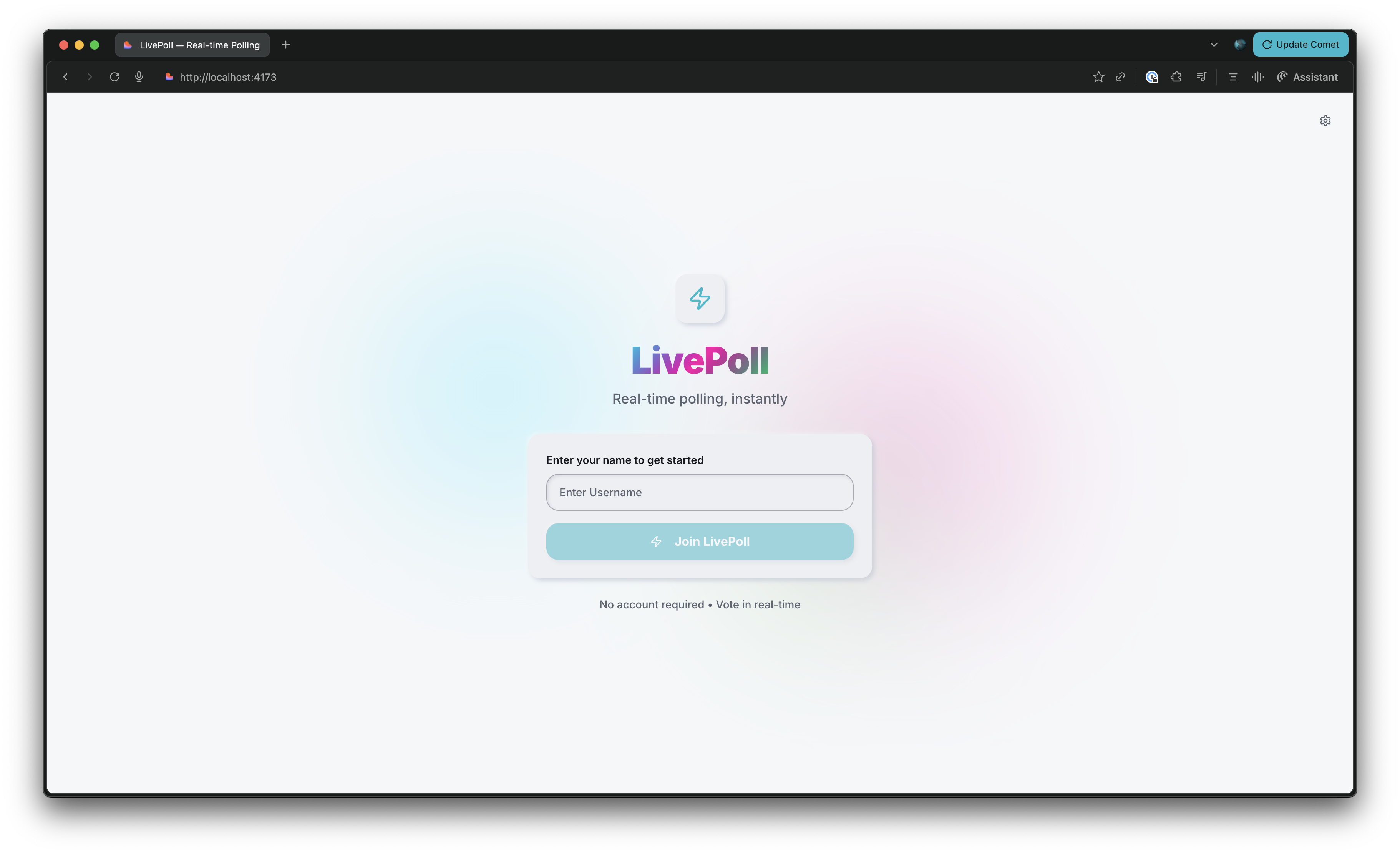
The application opens up with the Login Page. Don't worry, no sign up required.
This is the Login Page
The webapp behaves like this,
Now, let's move onto Setup, where where we will,
- Obtain API Keys
- Clone the Project
- Install Dependencies