Build & Run
Build & Run The App
Do this on the terminal.
- After you've installed the dependencies, we now need to build the app
npm run build - Fire up the app
npm run preview - Look at the logs, it should see something like this
> vite_react_shadcn_ts@0.0.0 preview
> vite preview

➜  Local:   http://localhost:4173/
➜  Network: http://192.168.1.8:4173/
➜  Network: http://100.114.193.87:4173/
➜ press h + enter to show help - Open the browser and put
http://localhost:4173/in the address bar and hitEnter - You should be ready to go!
Set API Keys
info
Get demo keys here
Credentials are required to authenticate the webapp to the Relay Network. The webapp saves these credentials in the browser's local memory.
Let's get started!
-
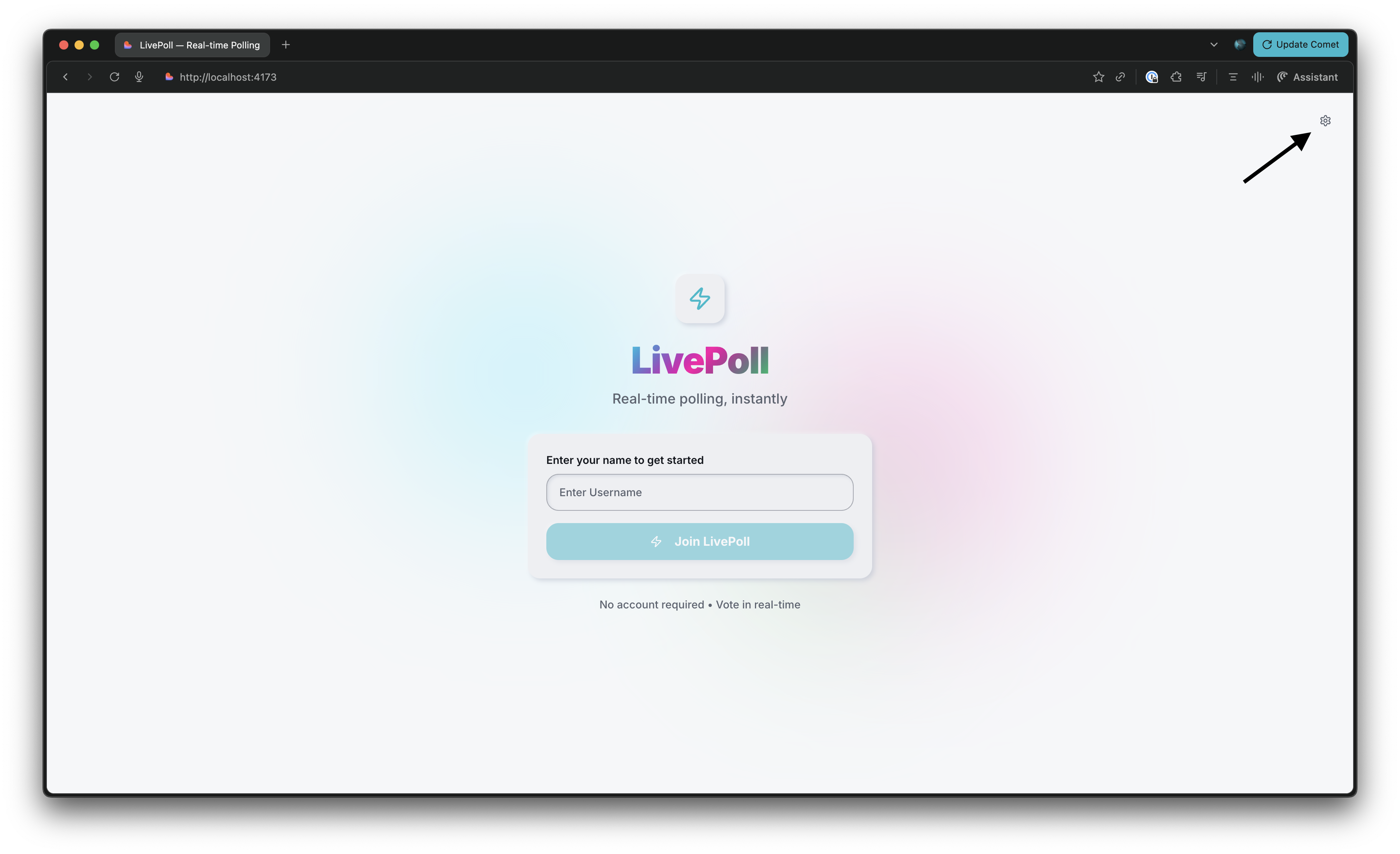
Click on the Settings (⛭) icon on the top right
-
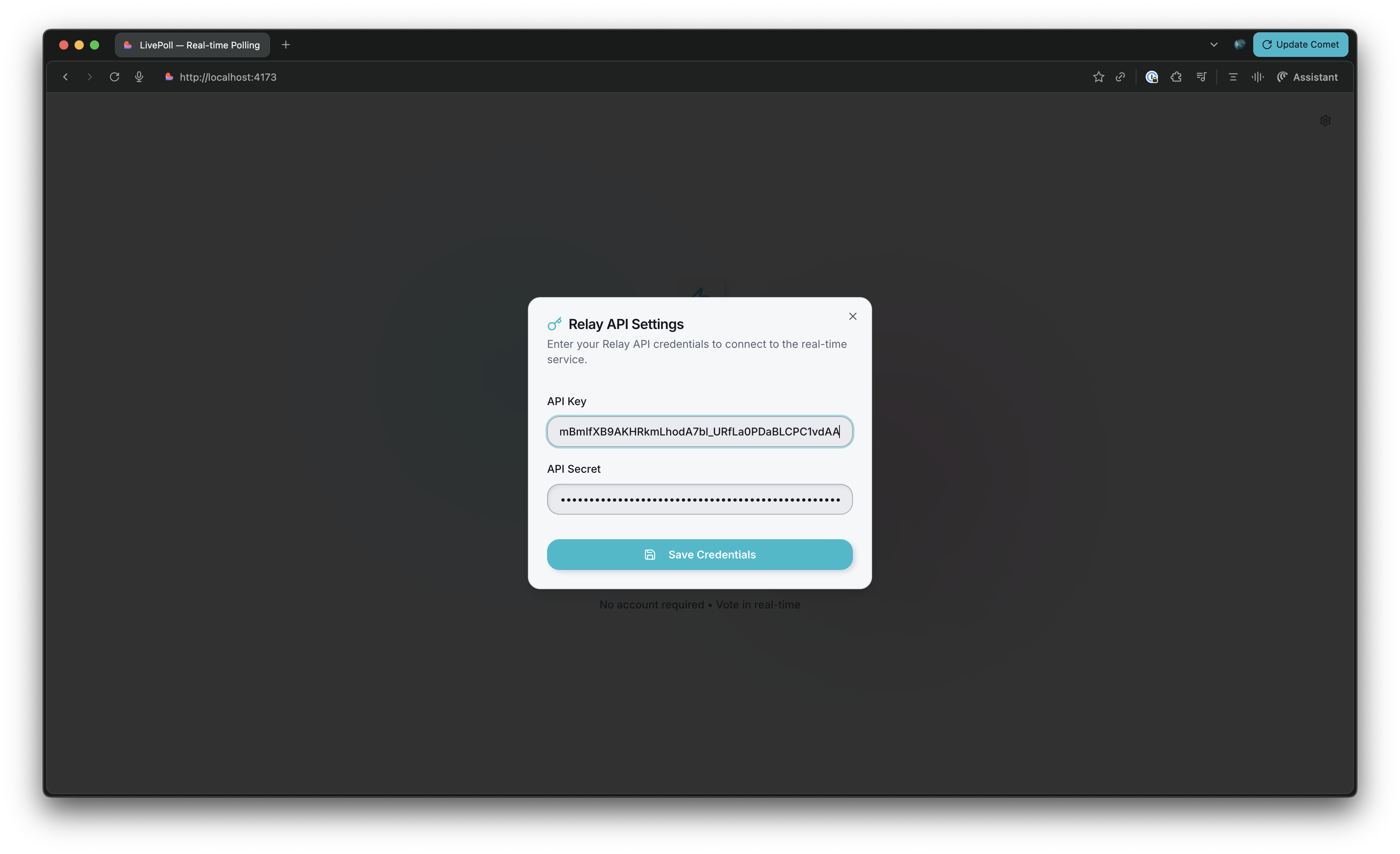
A dialog will open up, enter your API Key and Secret. Hit "Save Credentials"
You're now ready to vote!
Vote Away
tip
Open up 2 browser windows side-by-side to see changes occur in real time.
- Enter a random user name and hit "Join LivePoll"
- You can now create polls and vote on already existing ones
- Take action on 1 browser and see the changes take place on the other browser
- WARN: Poll listing does not update in real time!
Need Help?
Join our Discord server, post your concern & someone from our team will help you out ✌️